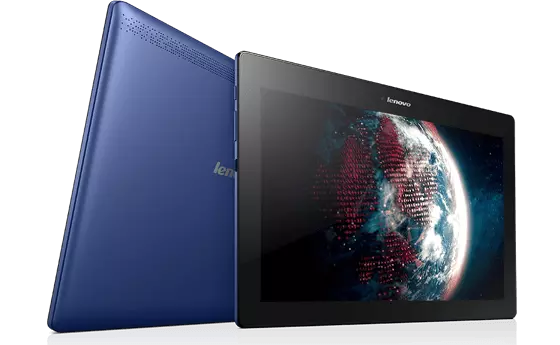
Updating a Lenovo TAB 2 A10-70F from Android 4.4.4 to Android 6
I was trying to revive an old Android tablet. The biggest problem was that it couldn't access any webpages due to "expired certificate" errors.
ADB
I enabled USB debugging on the tablet, which allowed me to use ADB to interact with the device.
I installed ADB on my computer and connected the tablet via USB. I used the following command to check if the device was recognized:
adb devices
It was. Good!
Downloading the update image(s)
It seems you need to first update to Android 5 before you can update to Android 6.
I found the update files:
- Android 5:
A10-70F_S000123_160921_ROW_WCE6B83E28.zip - Android 6:
A10-70F_S000216_170601_ROW_WCAA43162F.zip
Installing the updates
Data loss!
Installing the updates wipes all data from the device, so make sure to back up any important data before proceeding!
-
Enter recovery mode on the device. Can be done by shutting down the device, then, while holding volume up, holding the power button. In the resulting screen selecting "recovery".
-
Connect the device to your computer via USB.
-
Use ADB to sideload the Android 5 update. THIS WIPES ALL DATA ON THE DEVICE!
# Update to Android 5 adb sideload A10-70F_S000123_160921_ROW_WCE6B83E28.zip -
After the update completes (for me it took around 10 minutes), boot back into recovery and do it again to update to Android 6.
# Update to Android 6 adb sideload A10-70F_S000216_170601_ROW_WCAA43162F.zip -
You're done! Boot the device and it should now be running Android 6.